This article is also available in Chinese閱讀中文版 →
I Got Fed Up, So I Built a Free Tools Site
There’s a lot of great AI content on YouTube. The problem? It’s all in English, and videos are often 10-30 minutes long.
I can’t sit through every single one. But I don’t want to miss the good stuff either.
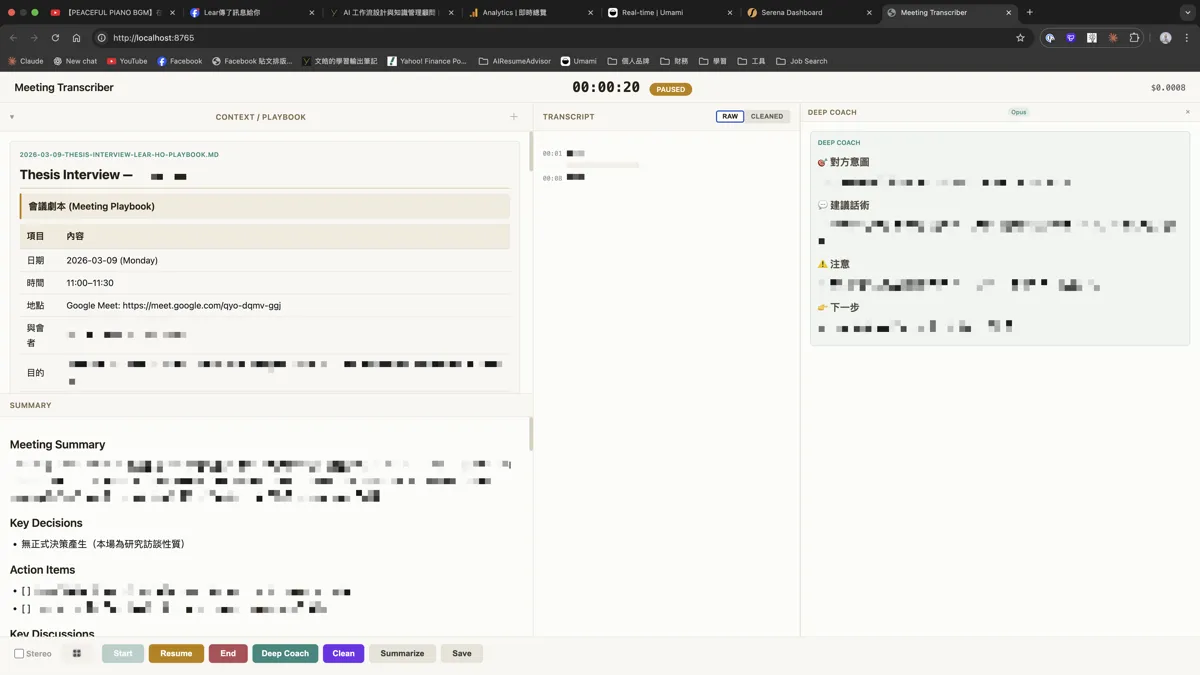
I’ve been wanting to automate this workflow — download YouTube subtitles, feed them to AI for a summary, translate the promising ones to Chinese for a quick scan, then turn the really valuable ones into knowledge cards in Obsidian. Ideally, the whole process takes 5 minutes.
But I got stuck at step one.
Couldn’t Find a Decent Tool
Downloading YouTube subtitles — such a basic need, yet I couldn’t find a tool that worked well.
Google “YouTube subtitle download” and you get a bunch of tool sites.
Click through, and they’re either cluttered with ads covering half the screen, or the UI is confusing with options like SRT, VTT, SBV — I just want plain text, what are these? Some even require registration.
I thought to myself, is this really 2026?
It’s not just subtitle tools. Most free online tool sites are like this. You want to use a simple feature, but first you have to battle ads and registration pages. The experience is so bad it makes you question life.
Built It Myself
I’m a developer anyway, so I just built it myself.
After finishing the subtitle download, I thought — since I already have the subtitles, why not add AI translation? And AI summarization? That way the whole learning workflow is connected end to end.
What started as solving a small pain point turned into building three YouTube tools: subtitle download, AI subtitle translation, AI video summary.
Other Daily Pain Points
It’s not just YouTube tools. There are similar pain points in daily life.
Facebook post formatting is one. I’m used to writing in Markdown (with AI), then pasting directly to FB. Then I discover — FB doesn’t support Markdown. The post shows #, **, - symbols, messing up the formatting.
So I built a FB post formatter. For English, it uses Unicode to convert to bold and italic. For Chinese, it removes the Markdown symbols and marks where the formatting was. At least the post comes out clean.
There’s also the fancy font generator. Sometimes I want to add some variety to social posts, using different fonts to make headlines stand out. Same story — existing tools either have too many ads or are too basic.
All these tools started the same way: I needed them, wasn’t satisfied with what existed, so I built them myself.
Beyond my own needs, I also built some commonly used tools — image background removal, image compression, video compression, video to GIF. These tools all have the same problems: free versions either have poor quality or add watermarks, or ads cover everything.
The Principles Behind These Tools
When building these tools, I set a few principles for myself.
Free, with no watermarks. No signup required, just open and use. (Don’t even think about bot abuse — there’s Cloudflare verification and rate limiting.)
Privacy. Most tools run entirely in your browser, data never gets uploaded. For the few features that need AI processing, like translation and background removal, files are deleted immediately after use.
Clean. No overlay ads, no popups, no “upgrade to Pro to unlock full features”.
That’s why it’s called NeatToolkit — Neat means clean and tidy. No grand philosophy, I just hate ads, registration, and watermarks, so I didn’t include them.
Current Tools
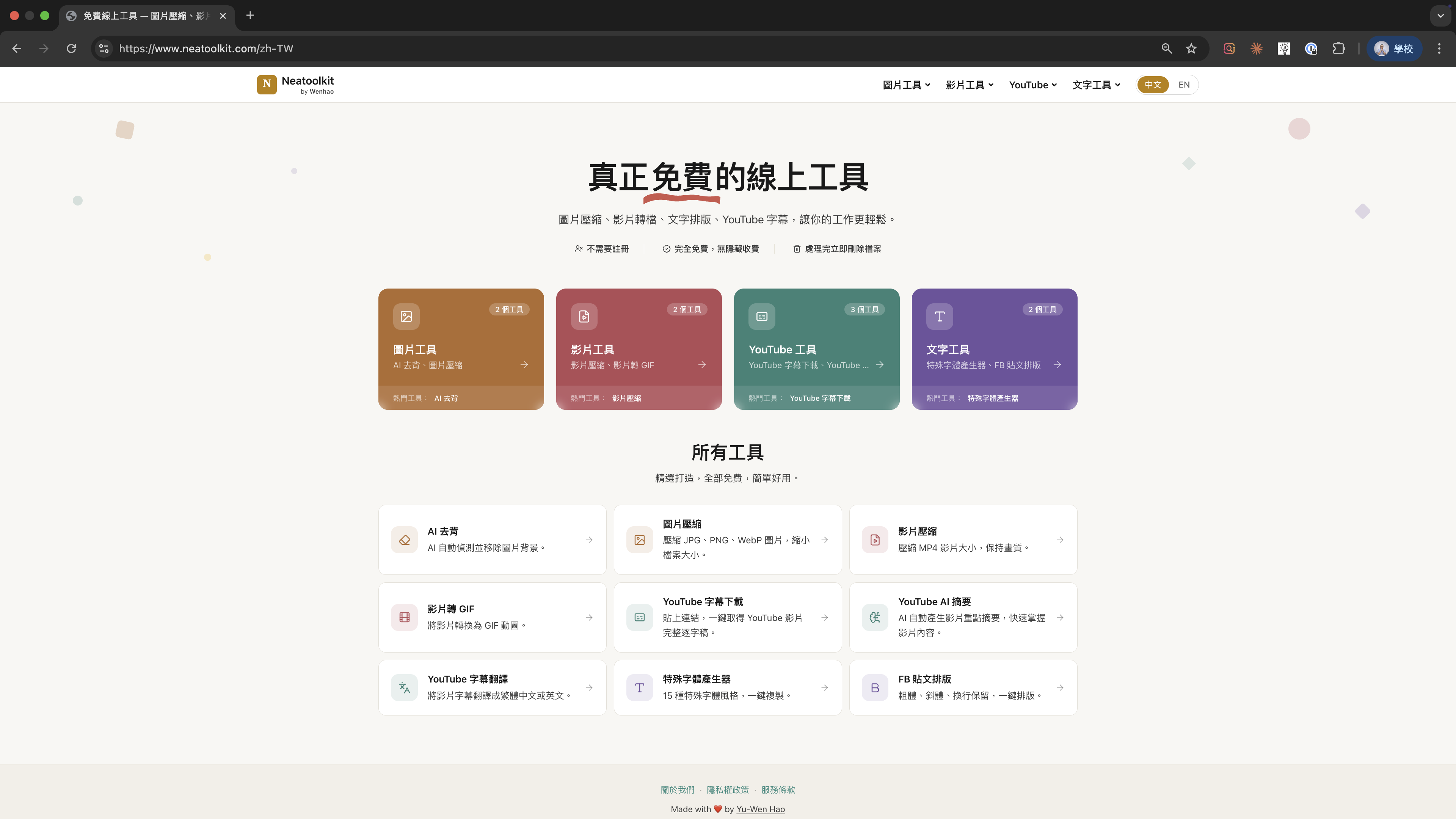
Currently there are 9 tools in four categories:
- Image Tools: AI background removal, image compression
- Video Tools: Video compression, video to GIF
- YouTube Tools: Subtitle download, subtitle translation, AI summary
- Text Tools: Fancy font generator, FB post formatter
More coming soon.
If you’re also fed up with ad-covered tool sites, give it a try: neatoolkit.com
After using it, if you feel something’s missing, let me know. The next one I build might be what you need.
Enjoyed this? Connect with me on LinkedIn — I’m open to collaboration, consulting, and new opportunities.